Create an Applicant List
The Manage Applicant screen contains a list of applicants for a recruitment requisition.
To CREATE an Applicant List, follow the steps below:
Navigation 
By default, you will be in Search Mode.
- Click on the New icon
 (you will then be in Insert Mode).
 - Enter the new Manage Applicant information. Fields with an asterisk
 are mandatory fields.
 - Enter the Id, if required.
- Id: Unique identification code of the Applicant
4. To enter the Recruitment Requisition, if required, click on the Lookup icon  , click on Find icon
  to retrieve the Recruitment Requisition from the list, then select the Recruitment Requisition.
- Recruitment Requisition: Recruitment Requisition unique identification number for the applied position.=
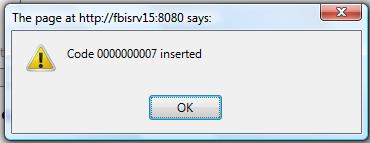
Click on the Save icon  at the bottom of the Manage Applicant screen to save your new Applicant List information. A window will appear to confirm.