Charts of Accounts (COA)
Load Initial COA Information
To access the Manage COAs option, click the corresponding link in the User Menu.
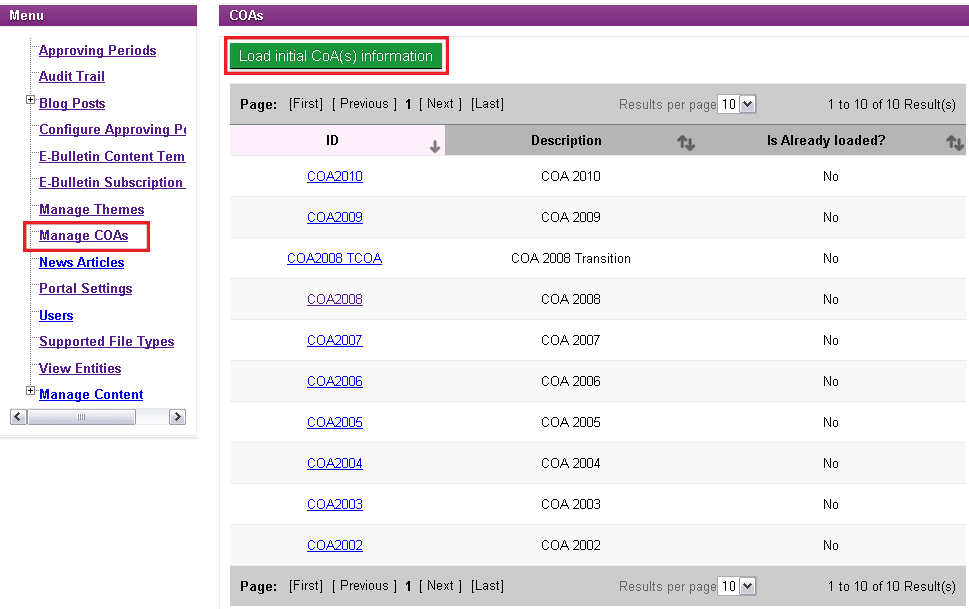
To LOAD Initial COA(s) Information from the Data Mart, click the  icon.
icon.
A message will appear to confirm the COA(s) Information has been successfully loaded:

Load Detailed COA Information
To load detailed COA Information on a particular COA, begin by accessing the Manage COAs page. Click the Manage COAs link in the User Menu.
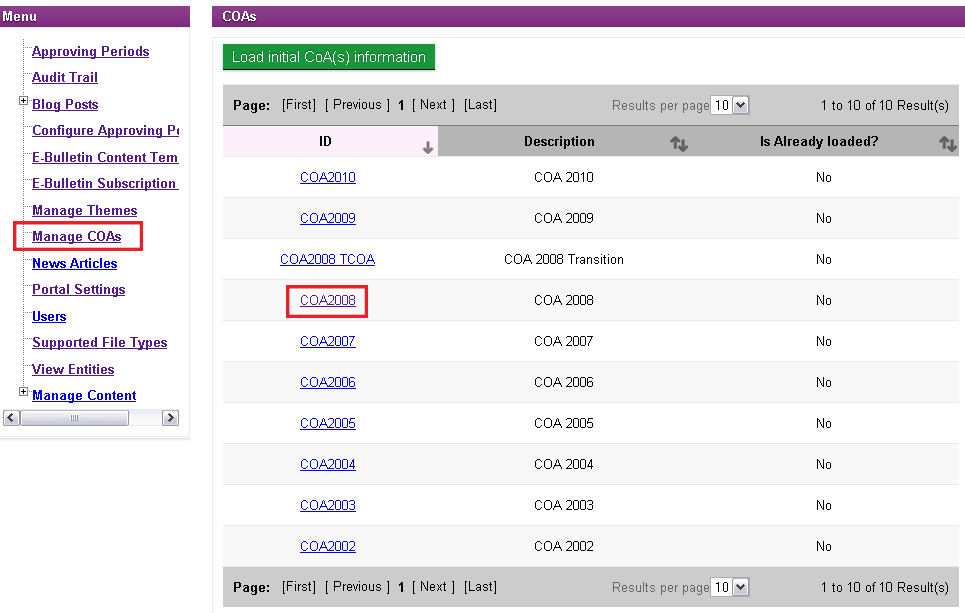
Select the COA you wish to load Detailed Information. A page displaying the COA Information is presented.
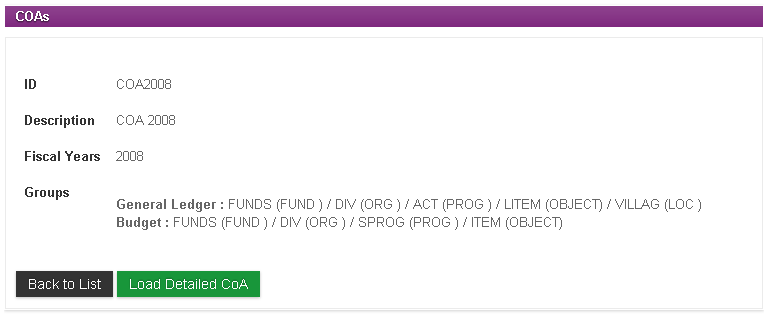
Click the  icon. When Detailed COA Information is loaded, a message will appear to confirm.
Click the  icon to return to the COAs list.