
FreeBalance Accountability Suite
Search
User login
 English
 Français
 монгол
 Português
 Español
Portal Permission
Thu, 2011-03-24 15:44 — jcarr
Overview
The Portal Permission page is accessed via the FreeBalance Accountability Suite. This entity contains all the available functions for each user. Include just the allowed functions for a specific user. All these user roles must be configured in the Admin Module under the User Options in the FreeBalance platform.
Navigation 
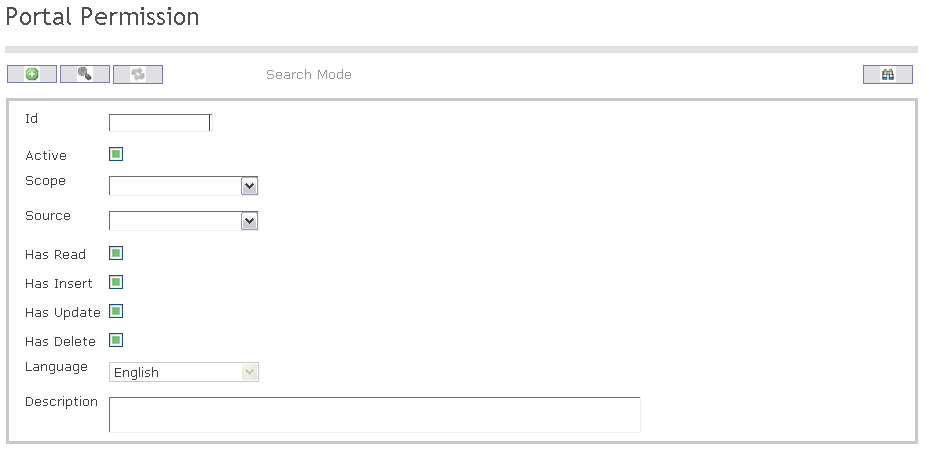
The Portal Permission screen includes the following fields:
| Report Fields | Description |
| ID | This is a unique Identifier |
| Active | Active Status - if checked, Portal Permission is available |
| Has Read | If checked, the User can perform read/view actions |
| Has Insert | If checked,the User can perform insert transactions |
| Has Update | If checked, the User can perform update/modify transactions |
| Has Delete | If checked, the User can perform delete transactions |
| Language | Language used |
| Description | Detailed description of the Portal Permission |